
11.11 Sale Ending Soon...
Only $497 Today!
2024 Power Apps Road to Pro:
Blast Off Your Career the Right Way
2024 Power Apps Road to Pro: Blast Off Your Career the Right Way
Play the video below to learn more about the intensive 5 Day LIVE Virtual Power Apps Bootcamp with Darren Neese
Learn how you can level up from beginner to proficient in Microsoft Power Apps development in 2024!
Gain valuable insights, practices, and emerging strategies that will shape the way you use Power Apps.
Register now and get ahead of everyone in the Power Apps space.
Certificate for completing the bootcamp will be given out on the last day!
Price: $1495 - Only $497 Today!
WHEN: November 18-22, 2024 I 9am - 4pm EST
WHERE: Zoom
Only 10 spots remaining!
Course Outline:
DAY 1: Intro & Overview to Power Apps
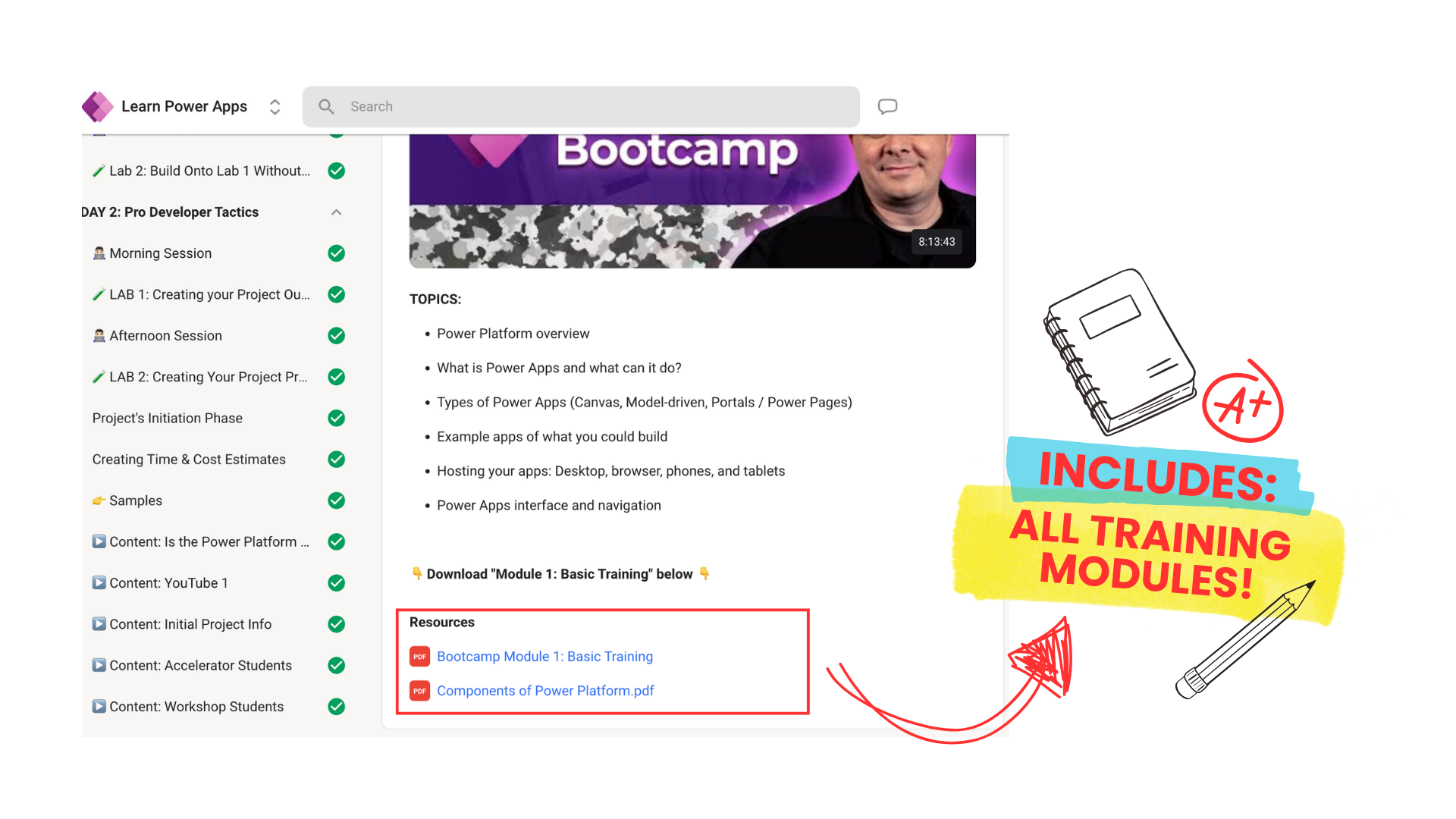
👉🏻 Power Platform overview
👉🏻 What is Power Apps and what can it do?
👉🏻 Types of Power Apps (Canvas, Model-driven, Portals / Power Pages)
👉🏻 Example apps of what you could build
👉🏻 Hosting your apps: Desktop, browser, phones, and tablets
👉🏻 Power Apps interface and navigation
👉🏻 LAB: Creating your first app with a data source
👉🏻 Getting used to commonly-used controls (classic and modern)
👉🏻 Modern theming
👉🏻 Understanding formulas, expressions, functions, and events
👉🏻 Declarative vs. Imperative code
👉🏻 Essential functions to know
👉🏻 Using Variables (global & local)
👉🏻 Screens, Screen Templates, and associated events
👉🏻 Choosing the right data source for your projects: (Excel, SharePoint, Dataverse, SQL Server and/or others)
👉🏻 Data related functions (Filter, Search, CountRows, Sort, Lookup, Patch, and Remove)
👉🏻 Setting defaults and resetting controls
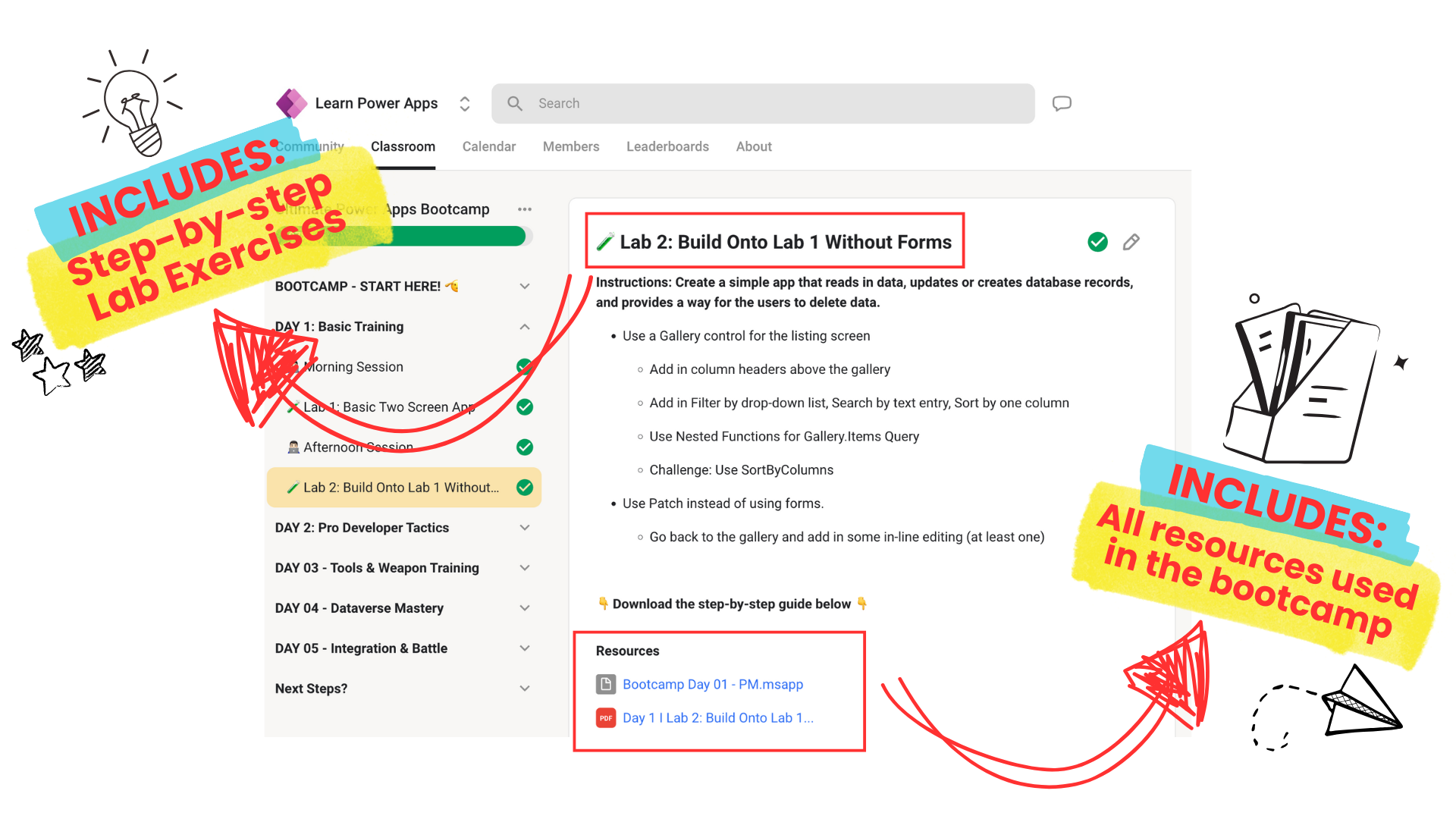
👉🏻 LAB: Create a simple app that reads in data, updates or creates database records, and provides a way for the users to delete data.
DAY 2: Managing Your Projects Like a Pro!
👉🏻 What should you do every time before opening up Power Apps?
👉🏻 What are the limitations of Power Apps and knowing when it just isn’t the right tool for the project
👉🏻 How you should handle an app idea you or someone who comes to you with?
👉🏻 Vital questions you should be ready to ask
👉🏻 Analyze and Design
👉🏻 Leveraging AI to Help
👉🏻 A solid database design is the foundation for your application
👉🏻 Capture requirements in User Stories
👉🏻 Providing visuals or wireframes to ensure your requirements are complete, but also to know what screens will be included in the project
👉🏻 Identify associated workflows, business processes, and reports Identifying Your “Minimal Viable Product”
👉🏻 Be “Agile” by providing weekly progress
👉🏻 Providing cost and time estimates
👉🏻 Freelancing vs a job - differences and advice
👉🏻 The one simple thing you need to get any job or freelancing gig
👉🏻 LAB: Create a Project Proposal for the stakeholders with all project information known.
DAY 3: Advanced Canvas Apps Concepts
👉🏻 Understanding Relational Data
👉🏻 Collections vs Tables
👉🏻 Patching two tables at once
👉🏻 Named formulas vs User-Defined Functions
👉🏻 Conditional formatting
👉🏻 Error handling, monitoring, and debugging
👉🏻 LAB: Create a two-screen app: Listing Screen to One to Many Relationship Screen
👉🏻 Basic security and Intra integration
👉🏻 Office365Users Connector
👉🏻 Updating profile data and images
👉🏻 Org Chart Data
👉🏻 Office365Outlook Connector
👉🏻 Sending email notifications with attachments
👉🏻 Showing restricted views and screens based on who they are
👉🏻 Building a user data repository and storing preferences
👉🏻 LAB: Create an app that integrates users, user data, and ties into Azure AD / Entra ID
1. Displays all user data known
2. Allows users to update profile photo and some info
3. Allows users to set two preferences
4. Lists direct reports
5. Identifies and presents user’s manager
Day 4: Model-driven Apps and Dataverse
👉🏻 Introduction to Dataverse
👉🏻 Pros/Cons to using Dataverse
👉🏻 Creating tables and relationships
👉🏻 Using Dataverse in Canvas Apps
👉🏻 Building a model-driven app
👉🏻 Forms and views
👉🏻 Business rules and workflows
👉🏻 LAB: Creating a model-driven ap
Day 5: Integration, Deployment, Best Practices, and Q&A
👉🏻 Integrating with other Power Platform tools (Power Automate, Power BI)
👉🏻 Creating PDFs and Saving Files
👉🏻 App deployment and sharing
👉🏻 Performance optimization
👉🏻 Delegation considerations
👉🏻 Best practices and good UI/UX design principles
👉🏻 Final Lab: Participants create an app solving a real-world problem
👉🏻 Q&A, advice, and general feedback
Notice: This outline is subject to change in the interest of providing the best course possible!
👉🏻 Prerequisites are minimal - no prior Power Apps knowledge is required. You'll need access to a Power Apps environment (we can help set one up if needed) and should come with an app idea you'd like to develop.
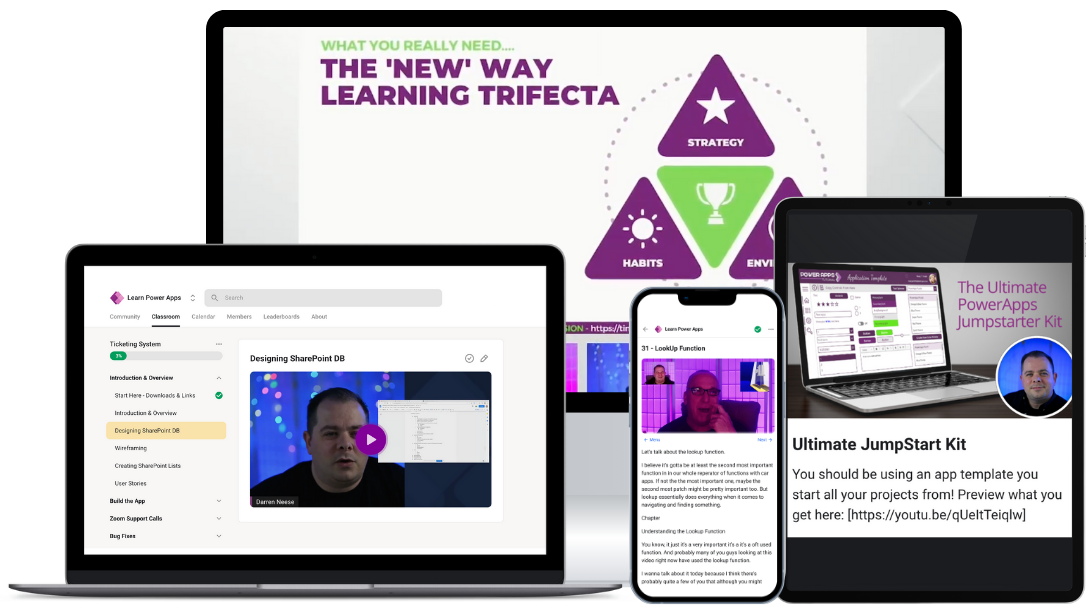
A Total of $1,209 Bonuses Included:
After you register you'll get instant access.
The Ultimate JumpStart Kit ($97 value)
Ticketing System ($497 value)
Personal Pocket Coaching ($365 value)
FREE 1 hour 1-on-1 tutoring session with me ($250/hr value)
👀 Sneak Peek of our Previous Bootcamp
11.11 SALE!
Sign up for only $497 today - don't miss out on the fun...
What You'll Get:
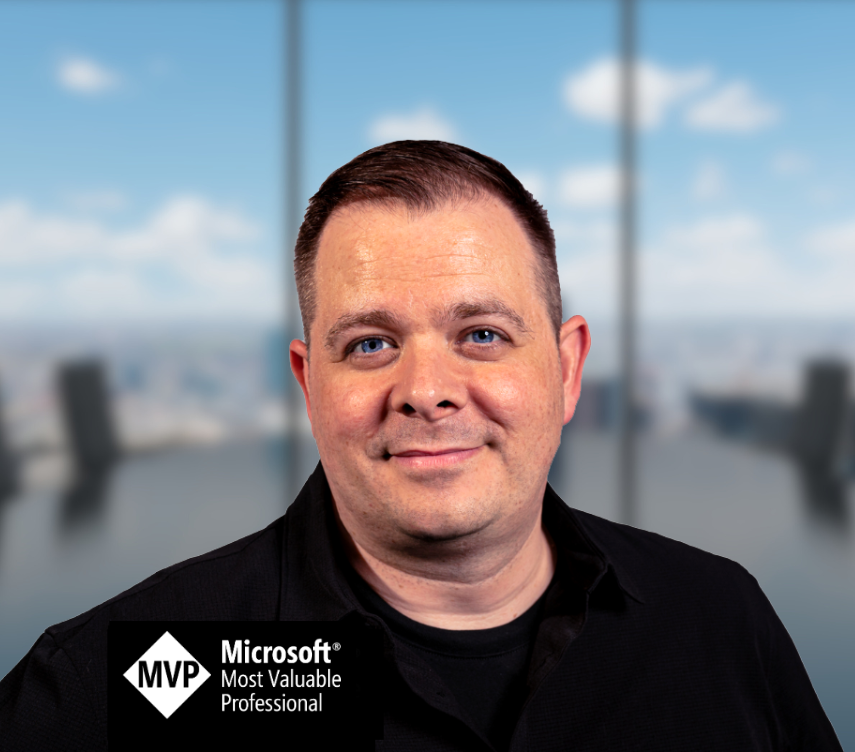
Hosted by Darren Neese
Darren Neese is a Power Platform Consultant and Microsoft MVP from Orlando, Florida, with over 25 years of IT experience. He specializes in Microsoft Power Apps and the broader Power Platform ecosystem, having developed applications for clients like the Florida Department of Transportation and Holiday Inn. Darren shares his expertise through a YouTube channel with 20,000 subscribers, focusing on Power Apps tutorials.
In addition to Power Apps, Darren has expertise in .NET, ASP.NET, and SQL Server, and is proficient in languages like C# and T-SQL. He has authored a book on DotNetNuke and is dedicated to mentoring others in app development. Throughout his career, he has worked with companies like TEKsystems and Pilot Catastrophe Services, driving digital transformation by optimizing business processes and migrating legacy systems.
Darren is known for his passion for technology and innovation, continuously pushing the boundaries of what's possible with the Power Platform.
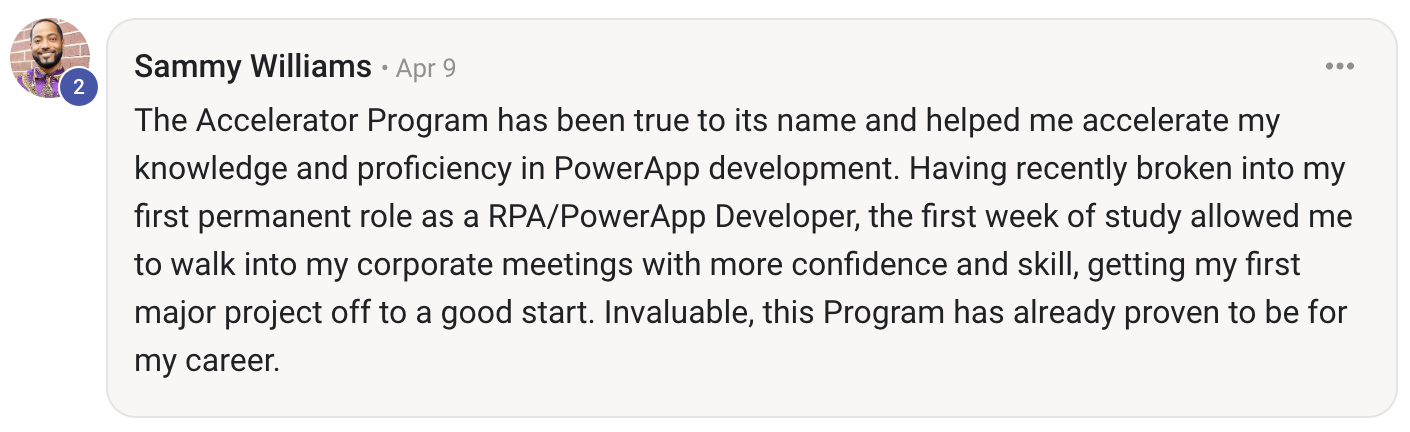
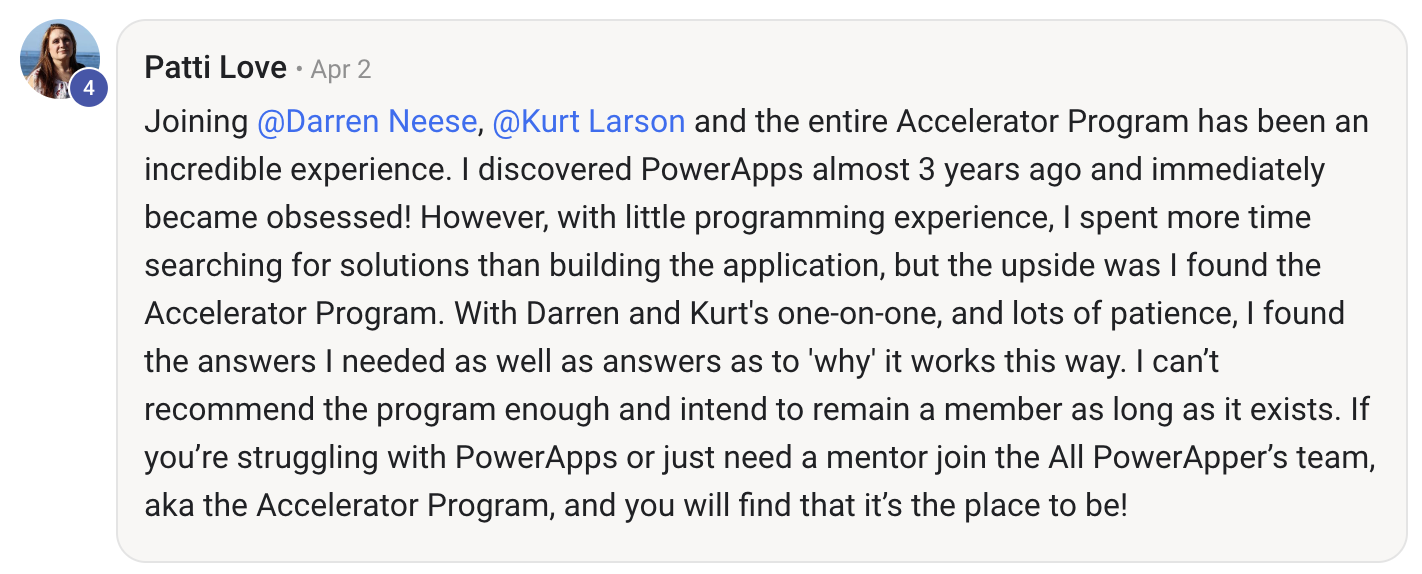
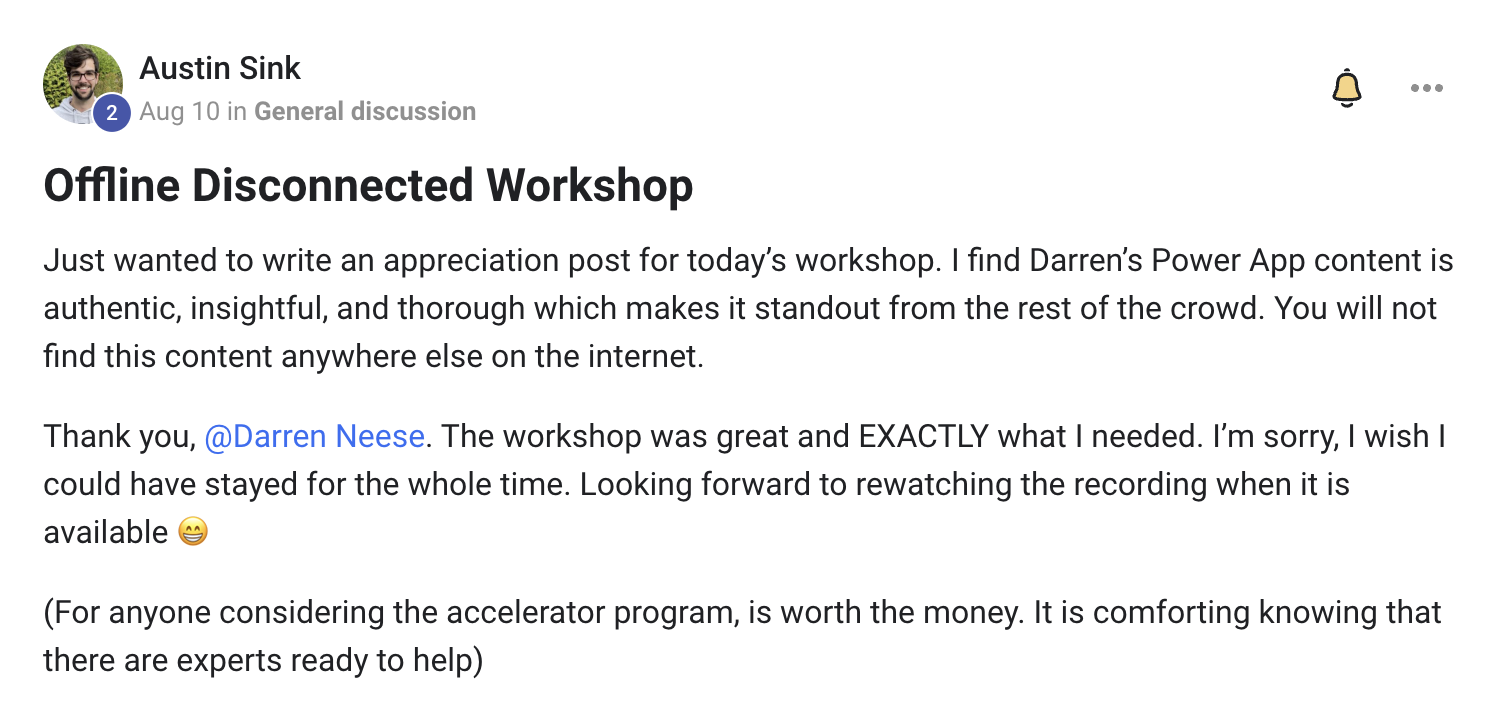
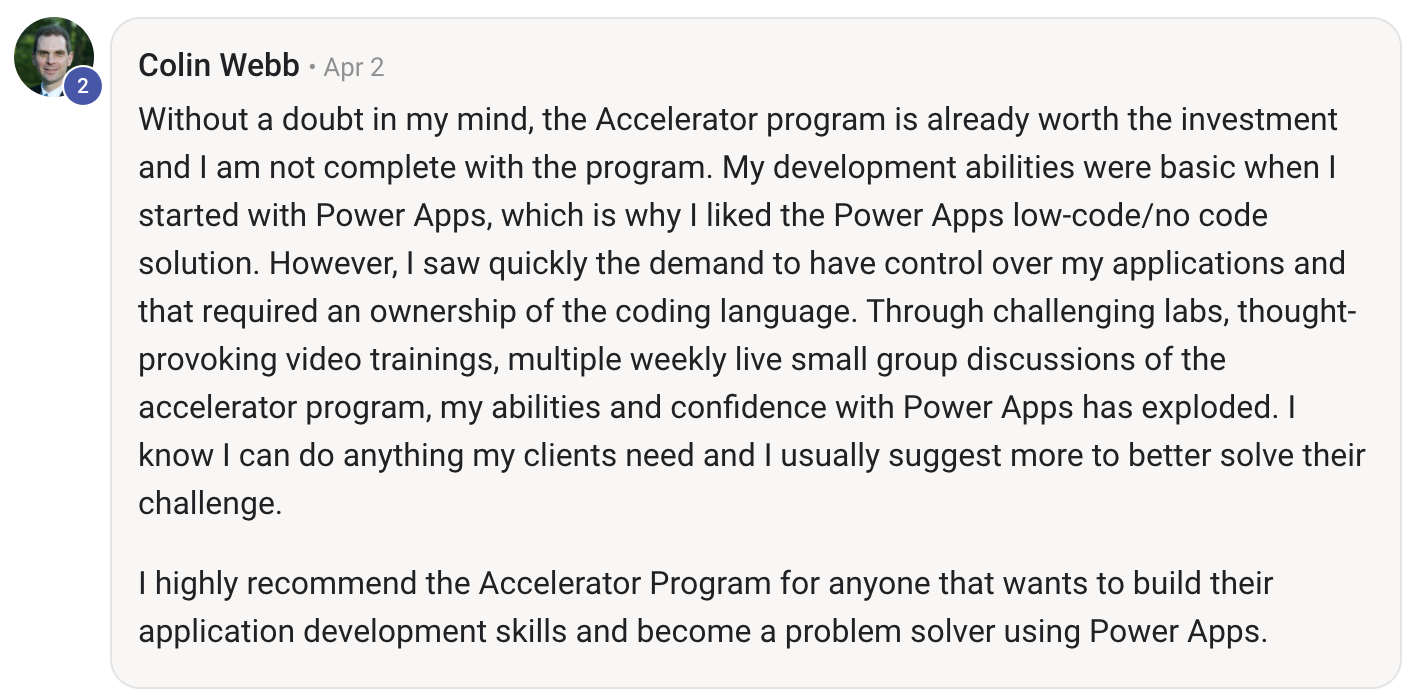
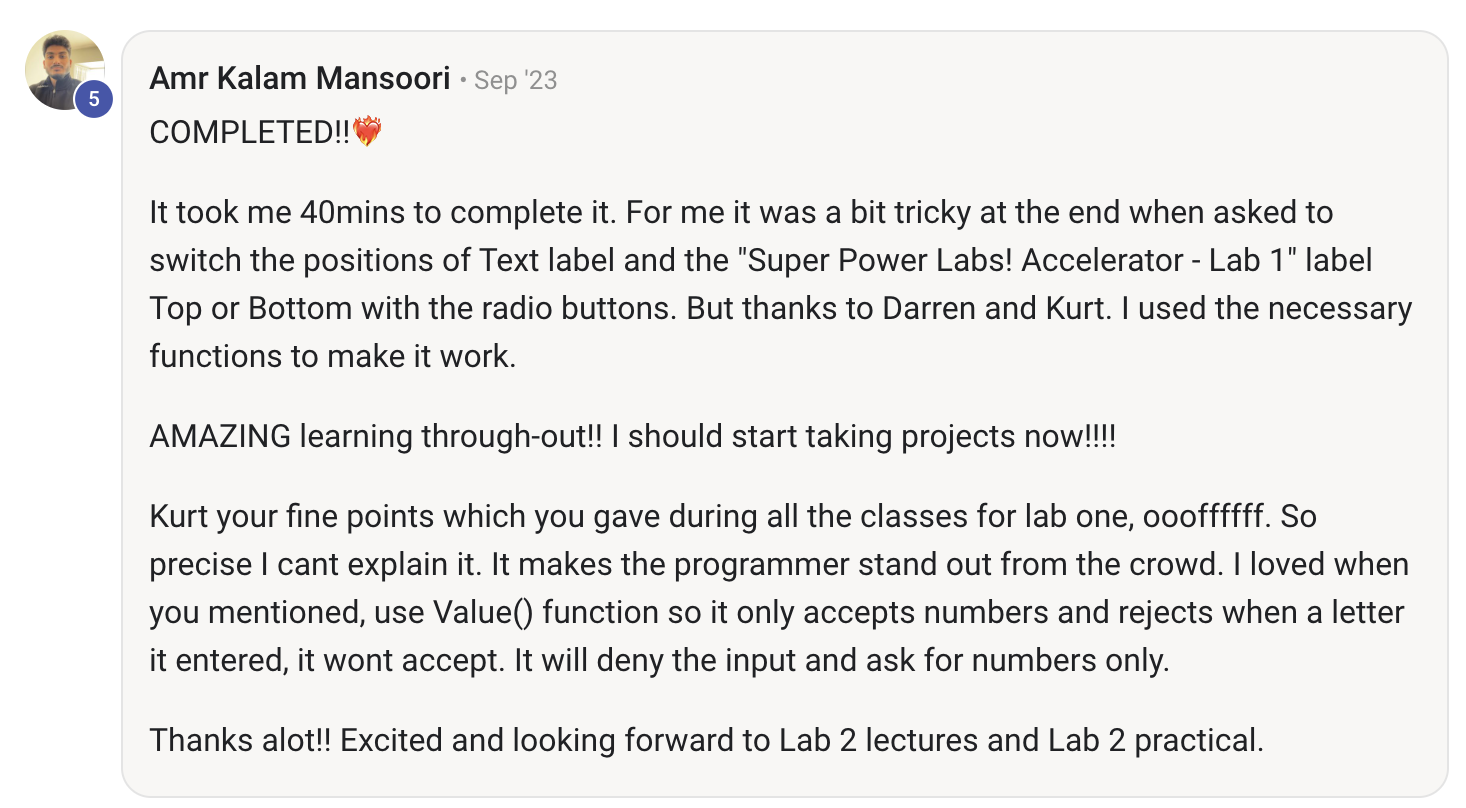
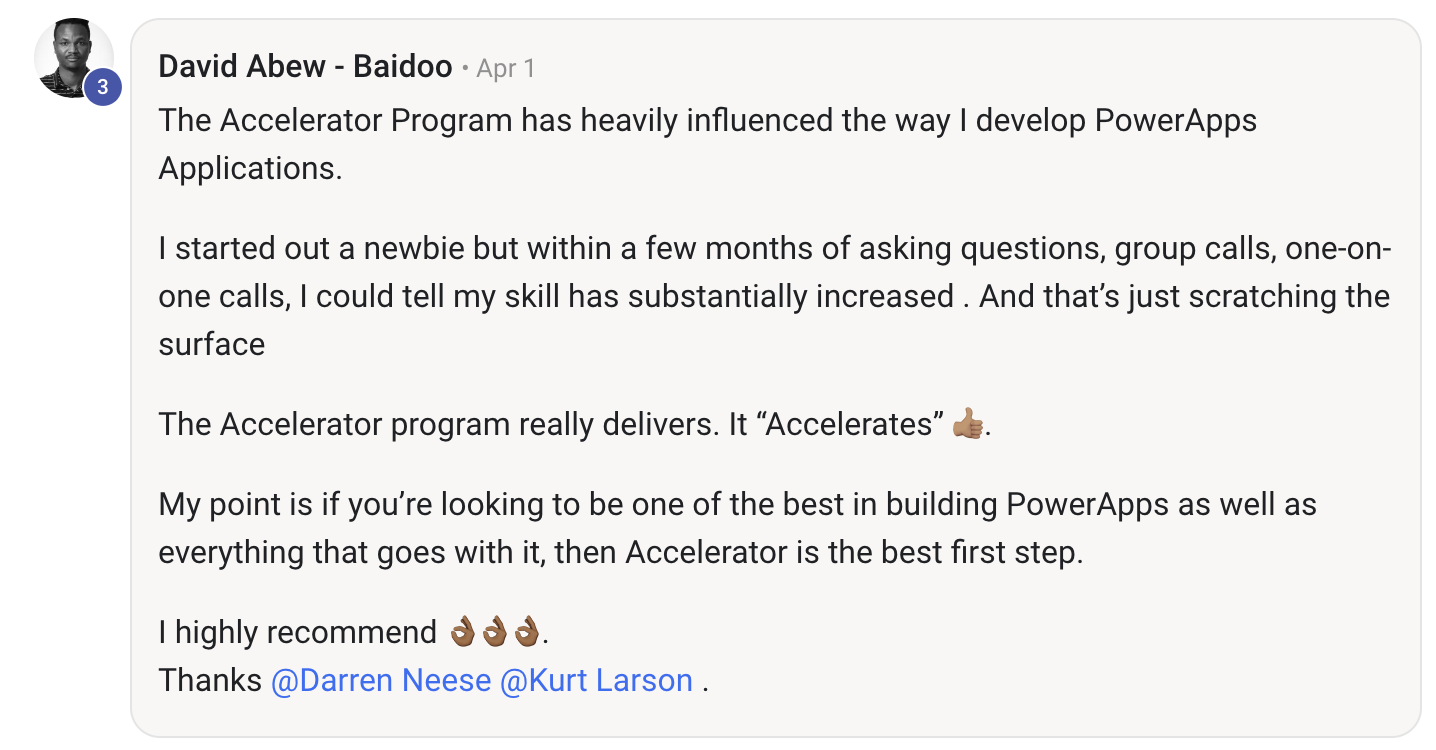
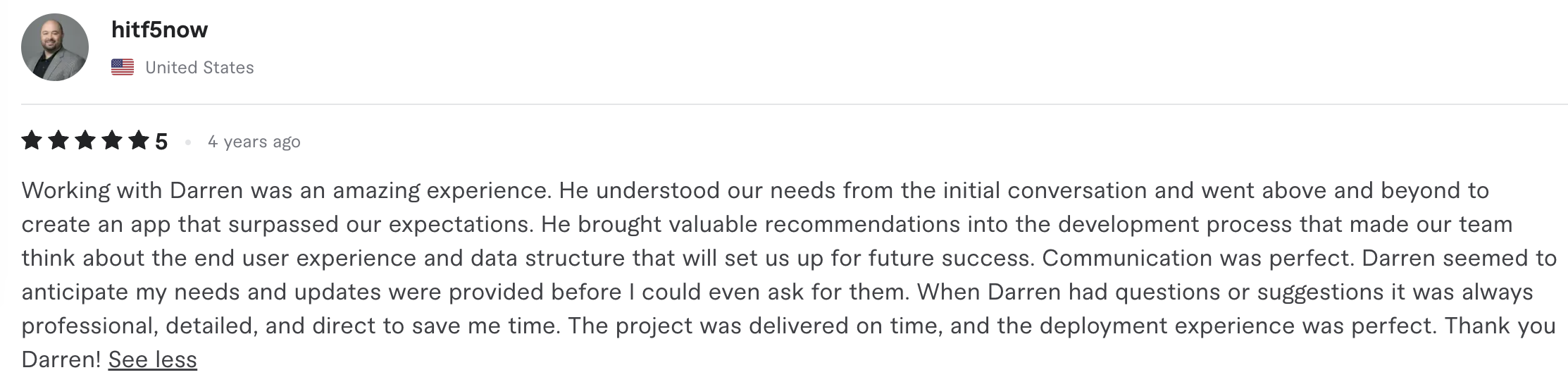
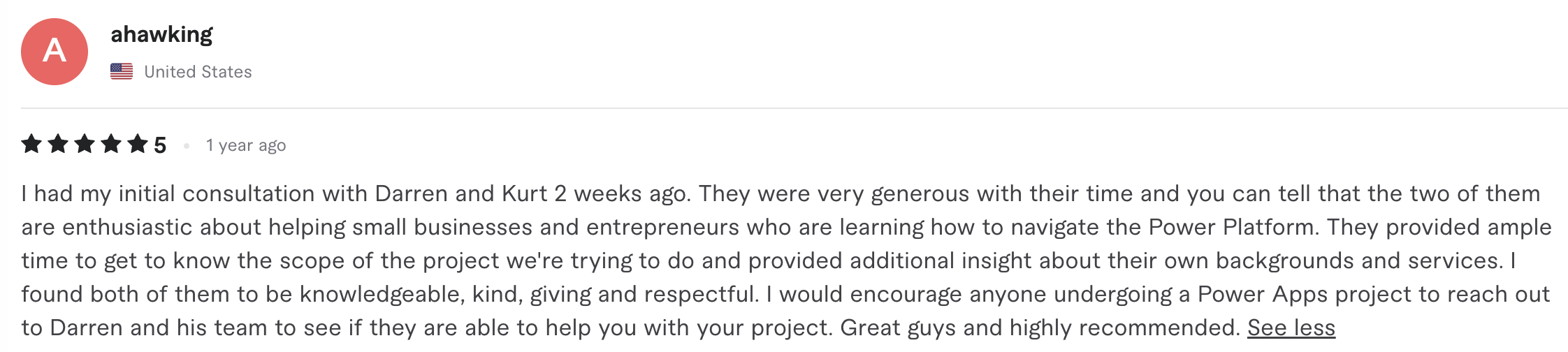
Hear from our Power Apps wizards in training...











FAQ
I registered for the bootcamp but can't attend the dates.
You can attend our next bootcamp for FREE, and you'll still get all the recordings and bonuses for this month's bootcamp.
Just let us know via email at [email protected]
Can I get a recording of the bootcamp?
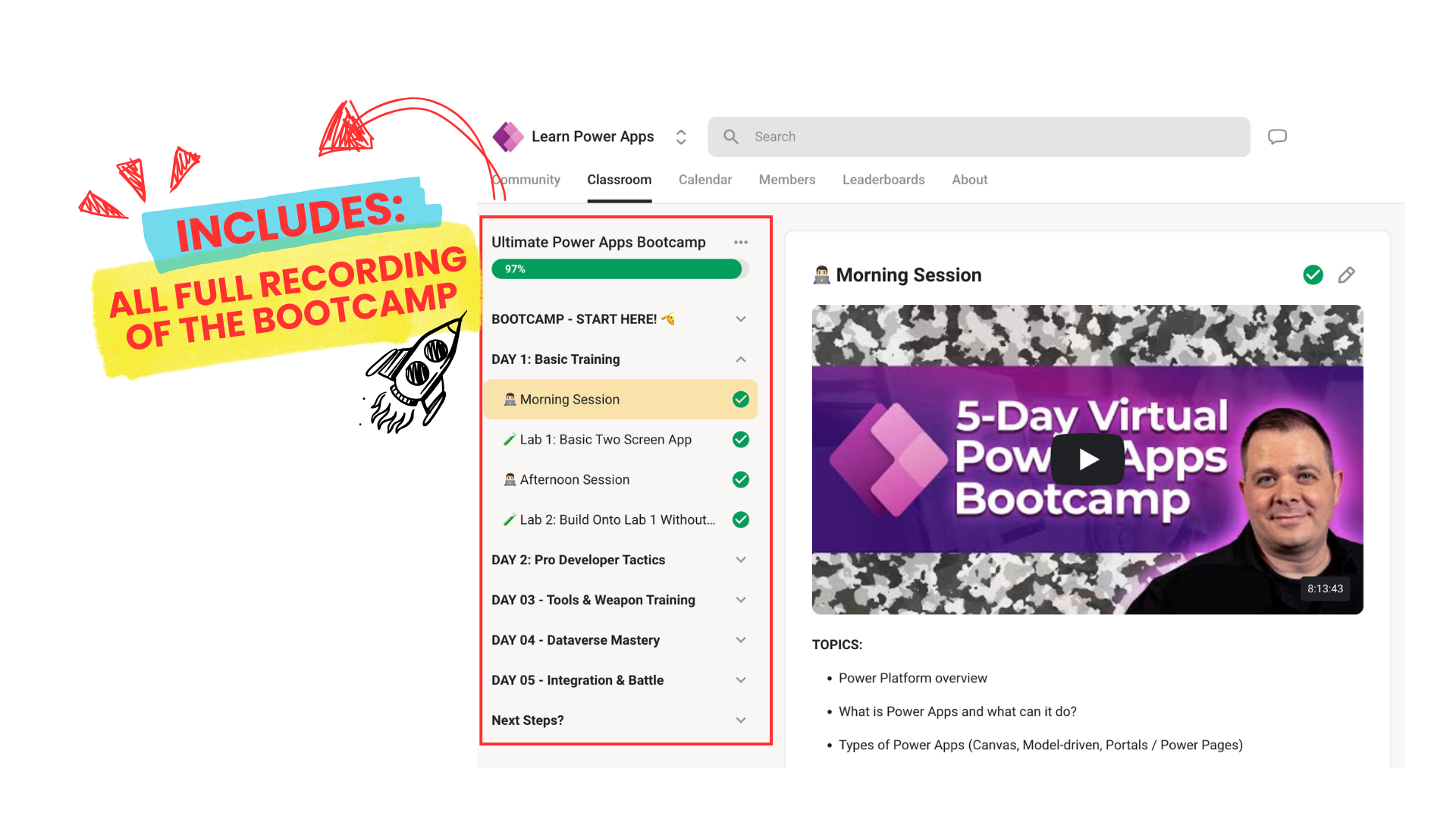
Yes, a replay link and materials used will be sent to all registrants after every day.
Will other participants see my name?
If you want to be sure no one sees your name, change your Zoom settings before the call, or, once you join, change your name by hovering over your name in the Participants list.
If you need help with that it's suggested you Google help for your specific Zoom questions.
Is this FREE for members?
Yes! Our monthly bootcamps, and workshops are FREE for our Accelerator Students.
Not a member? (You can become a member here.)